|
See Configuration for more information.
|

You can define one or more Property elements.
|
NOTE: These are optional.
|
|
|
Allows you to define the chart type for this series when you use one of the combination chart in the Chart Type property. The choices are: COLUMN, AREA or LINE. This attribute is ignored for any non-combination chart type
|
|
<Items FieldName="Amount" AggregateFunction="Sum" ChartSeriesType="COLUMN" FilterFieldName="Year" />
Figure 1. 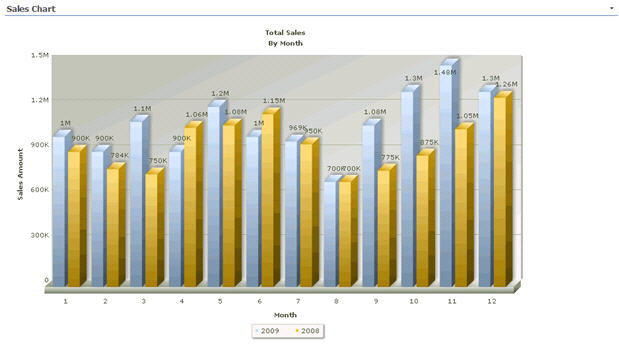 Configuration property chart
Configuration property chart