|
2
|
Create a column for Discussion. Enter the name "Category" and select Single Line of Text or Multiple Lines of Text as the Type.
|

|
3
|
Create a SharePoint page, add a qDiscussionView web part, and open ezEdit. In Viewed Lists, select Discussion.
|
|
4
|
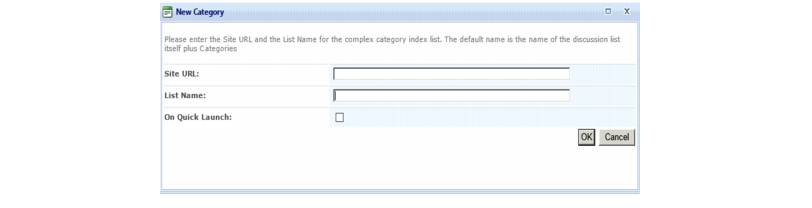
From the qDiscussionView drop-down menu, select Create Complex Category Index List.
|
|
6
|
Open ezEdit of the qDiscussionView web part.
|
|
a
|
From Display Fields, select Edit next to "Category" created in step 2.
|
|
b
|

|
a
|
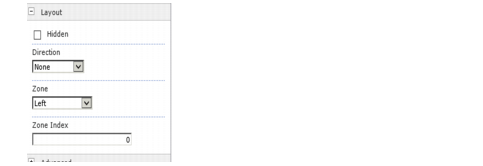
Hide out-of-the box web parts. From the web part drop-down, select Edit Web Part. From the Layout section, select the Hidden check box.
 |
|
b
|
Add a qListForm web part. Open ezEdit.
|
|
d
|
Create two more qListForm web parts. Open ezEdit. For Form Type, select:
|
|
a
|
|
b
|
Select Complex Category as the Field Type. Enter a Complex Category Index Site URL and List Name. This name must the same as the list name entered in Step 5 (in our example, Discussion Categories).
|