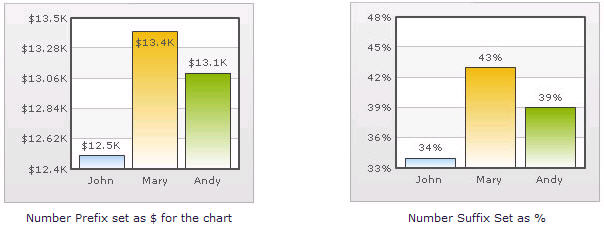
Adding Number Prefix and Suffix qChartView allows you to add a prefix or suffix to all numbers on the chart. To add a number prefix or suffix 1 From Chart Attributes, click Edit. 2 Click Number Formatting. 3 In the Number Prefix box, enter a character or value. For example, to represent dollar figures, enter $. 4 In the Number Suffix box, enter a character or value. For example, to represent figures quantified per annum, enter p.a. 5 Click Save. If you intend to use special characters for Number Prefix or Number Suffix, URL Encode them when using dataXML method. For example, if you wish to have numberSuffix as % (for example, 30%): numberSuffix='%25' In dataURL method, you can directly specify the character. Figure 24. Adding number prefixes and suffixes