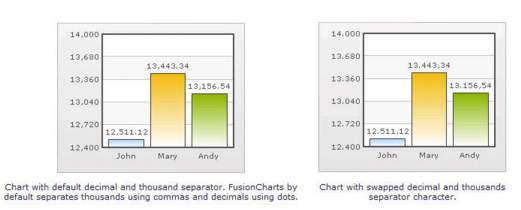
Setting Custom Thousand and Decimal Separator Character By default, qChartView uses . (dot) as decimal separator and , (comma) as thousand separator character. However, you can customize this character depending on your requirements. For example, you can swap the separator characters. To swap separator characters 1 From Chart Attributes, click Edit. 2 Click Number Formatting. 3 In the In Decimal Separator, enter ,. 4 In the In Thousand Separator, enter .. 5 Click Save. Figure 23. Swap separator characters