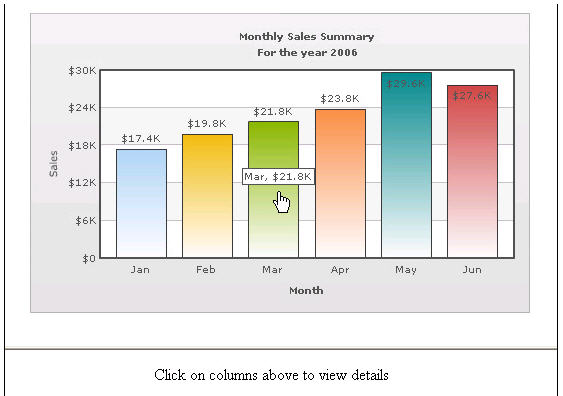
Linking to Frames The chart view allows you to open links in specified frames too. To do so, you just specify the name of the frame in the link itself. To open link in a specified frame 1 From Chart Attributes, click Edit. 2 Click Functional. 3 In the Click URL field, set the link as in the following example: link='F-FrameName-ShowDetails.asp%3FMonth%3DJan' Where: • F denotes the link opens in a frame • -FrameName denotes the name of the frame to be opened • -ShowDetails.asp%3FMonth%3DJan denotes the actual link to be opened. The link needs to be URL Encoded. In this example, the main frameset is contained in FrameExample.html, which has two vertical frame pane- one on top containing the chart (FramePages\FrameChart.html) and one on bottom to show the linked frame pages. The bottom pane by default shows FramePages\LowerFrame.html which contains the message "Click on columns above to view details". The setup looks like the following: Figure 17. Linking to Frames